Essential FamilySearch Memories Features
The following features will help you create a heritage collection of new and old family photos, stories, documents, and audio files.
Explore the Power of Topic Tags
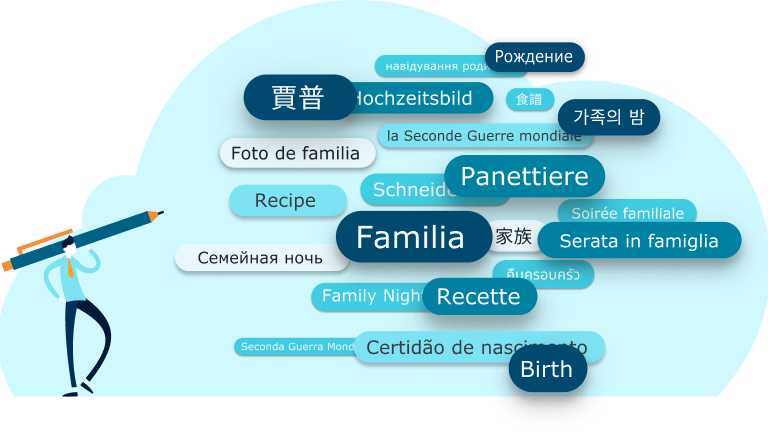
A Memories collection can grow quickly. A simple way to help you categorize and enjoy your family treasures is to use topic tags.
Assign a custom tag to several different memories to easily find them. Think of them as a shortcut to themes and topics you care about.

Have You Ever Shared an Album?
Albums are a great way to combine and share Memories around things like people or events. The people you share with can enjoy your memories one by one or in a slideshow.
Group Memories by person, family, event, or any other category. It’s a great way to capture the full story about an ancestor or family member’s life. Albums can contain all of the memory types—photos, stories, documents, and audio files—and can be ordered however you like.
Shortcuts to Your Favorite Memories
Bookmarks are links to memories and albums you want to revisit later. Bookmarks are stored in the Gallery.
Return easily to important memories and even albums that were added by others. It’s an easy way to rediscover photos and stories that are important to you.

Make People Findable with Person Tags
Tagging is how you identify the people captured in a memory. It takes just a minute, but once it’s tagged, it will be easier for family to find now and in the future in Family Tree.
Click on a photo, or type the name in “Who is in this memory” to add a tag. When you tag someone, you add the memory to that profile.
Keep It All Together with the Gallery
Upload, organize, and access all of your family treasures in the Gallery. Think of it as the control center for Memories.
Organize and view your memories in albums. You can move memories to your archive, and create bookmarks for any special memories you want to easily find again.